


 MineStrator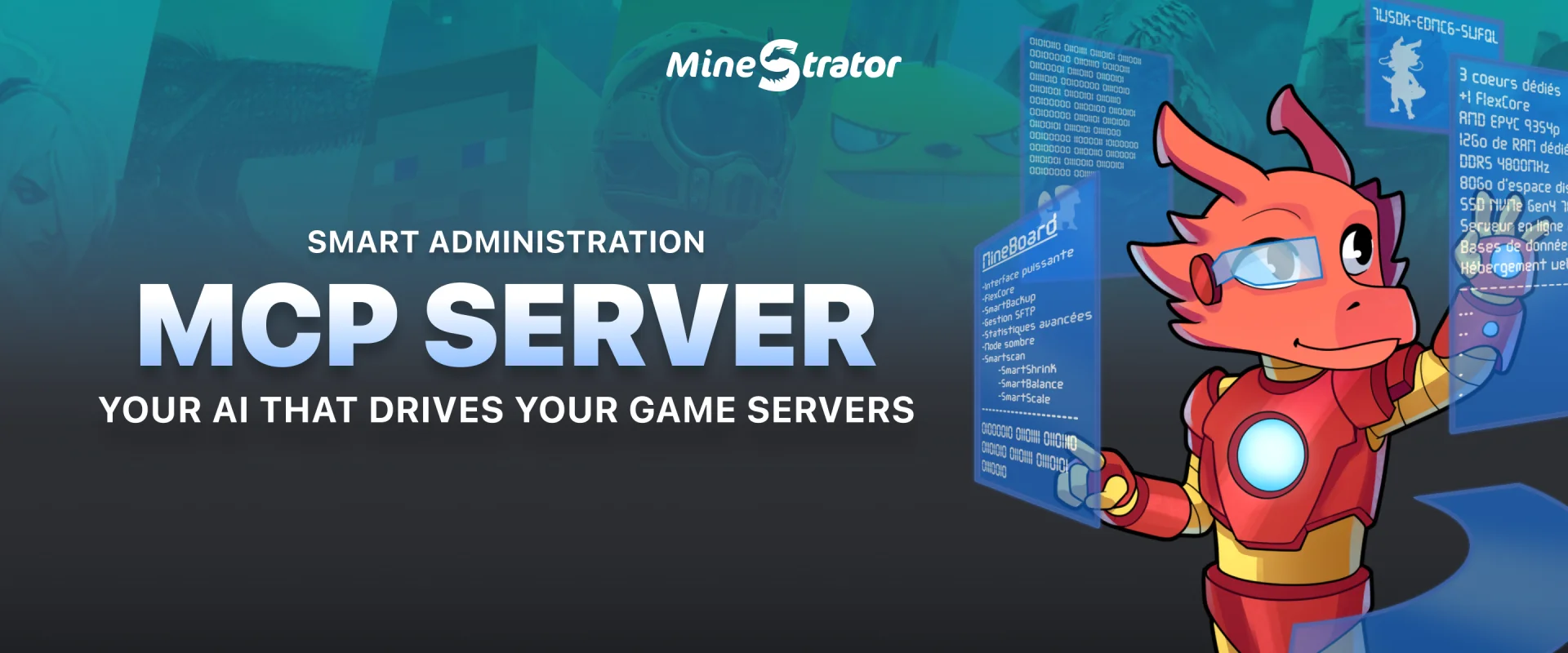
MineStrator becomes one of the first game server hosts to run an official MCP server. MCP (Model Context Protocol): the open standard that lets AI assistants connect to external services and act on your behalf. In practice, your AI (claude.ai, ChatGPT, Claude Code, Cursor…) can now manage your game servers through simple conversation.
Diagnosing lag at 2AM, installing a modpack in the right version, creating a full server on your MyBox: you describe what you need, the AI picks the right tools and acts, with your authorization and under your control.
Your AI assistant becomes a server administrator
The MCP server exposes more than 60 tools across 9 families: diagnostics, files, console actions, content, backups, MyBox management, scheduling, databases and configuration. Your AI reads your servers' live status, digs through logs, edits configurations and installs compatible content from the CurseForge, Modrinth and Spigot catalogs.
A few real requests, phrased exactly as you would:
“My server has been lagging since last night, find the cause and suggest a fix.”
“Create a modded Minecraft server with the All the Mods 10 modpack.”
“Spin up a Counter-Strike 2 server on Dust II for tonight.”
“Rebalance my MyBox: more RAM on survival, less on creative.”
For a heavy modpack, the AI follows the same best practices as our NeoForge setup guide: right pack version, appropriate RAM, supervised first boot. For performance work, it relies on the same signals described in our performance plugin guide: CPU and RAM usage, crash events, disk.
💬 Good to know: the AI works on every game hosted on your MyBox. Minecraft of course, but also Hytale, Palworld, Counter-Strike 2 and the rest of the catalog.
Connected in two minutes
Nothing to install server-side, and two paths depending on your tool.
On claude.ai or ChatGPT: copy the MineStrator MCP server URL:
https://mcp.sttr.io/minestratorThen add it to your assistant's connectors: on claude.ai, Settings → Connectors → “Add custom connector”; on ChatGPT, Settings → Connectors → “Create”, after enabling Developer mode in the advanced settings (paid plans only). A MineStrator window opens, you log in, click “Authorize”, and you are done. No key to copy: the connection relies on secure authorization (OAuth 2.1), and a dedicated key is created automatically, revocable anytime from your client area.
On Claude Code, Cursor, Codex CLI, VS Code or Gemini CLI: create a dedicated API key from your client area and paste it into your software's configuration. The Connect your AI page generates ready-to-paste commands when you are signed in. The copied value is already in the expected format: paste it as is, no processing needed.
Security first
Handing your servers to an AI does not mean handing over the keys to the house. The MCP server ships with safeguards that are on by default:
A dedicated key, never your main login key: revocable anytime from your client area, with immediate effect.
Confirmation before sensitive actions: deletion, restoration or resets require your explicit approval, and a safety snapshot precedes any server deletion.
A full activity log: every AI action is traced in your history, exactly as if you had done it from the panel.
Read-only mode: an option restricts the AI to observation (diagnostics and monitoring), with no modification possible.
💡 Tip: start in read-only mode to judge the quality of the diagnostics, then open only the tool families you actually need.
Available now, included with every plan
The MCP server is live for every MineStrator customer, with no add-on or extra cost, whatever your MyBox plan. Web connectors such as claude.ai and ChatGPT connect through a simple authorization, and any other MCP-compatible client over HTTP transport works with the same configuration.
If you run several servers, the AI quickly becomes a reflex: it can switch a game or reorganize your MyBox servers while you play.
Frequently asked questions
What is the MineStrator MCP server?
MCP (Model Context Protocol) is the open standard that connects AI assistants to external services. MineStrator's official MCP server exposes more than 60 tools that let your AI (Claude Code, Cursor, Codex…) diagnose, configure and manage your game servers, with your authorization and under your control.
Is the MCP server a paid option?
No. It is included with every MineStrator plan, with no add-on or extra cost. Standard API usage limits apply, and setup takes about two minutes with a dedicated API key.
Which AI assistants are compatible?
All of them. Web connectors like claude.ai and ChatGPT connect through a simple OAuth authorization, no key to copy. Claude Code, Cursor, Codex CLI, VS Code and Gemini CLI are configured with a dedicated API key, and any other MCP-compatible client over HTTP transport works the same way.
Is it risky to let an AI manage my server?
Safeguards are on by default: mandatory confirmation before any destructive action, a safety snapshot before server deletion, a full activity log and a dedicated key you can revoke anytime. A read-only mode can restrict the AI to observation.
Can the AI create a server on my MyBox?
Yes. It can create a server for any game in the catalog, pick its CPU and RAM, install a compatible modpack and give it a custom address. It can also pause or resize your existing servers to free up power.
Conclusion
With its official MCP server, MineStrator brings game server administration into the AI assistant era: more than 60 tools, a two-minute setup, strict safeguards and broad compatibility, included with every plan.
At MineStrator, we believe AI should amplify your control, not replace it: you stay the decision-maker at every step. Head to the Connect your AI page to plug in your assistant.
No server with us yet? Try one free for 12 hours, no credit card required, and bring your AI along.