



MineStrator for Stream Deck
By MineStrator · Official application
Your servers' companion, right next to your keyboard.
.streamDeckPlugin file: double-click and it installs itself.
Downloads
New
Version
1.3.2
Languages
FR, EN, ES
Price
Free
Requires the Stream Deck app 7.1 or later (macOS 12, Windows 10) and a MineStrator account.
Your keys, live
A faithful preview of the real rendering, refreshed by the plugin every second.


Your whole panel, condensed into keys
Real-time monitoring
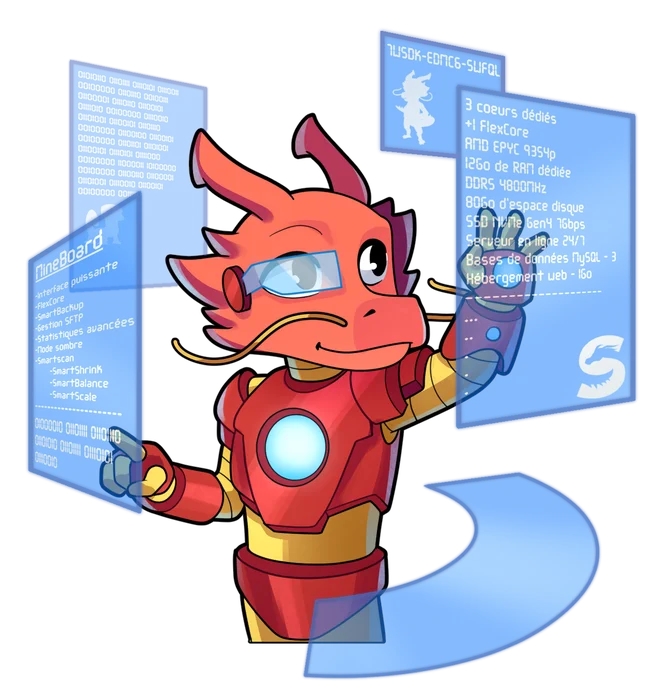
CPU, RAM, disk, players and server state, live on your keys. Graphs move forward every second, nothing to refresh.
One-touch control
Start, stop or restart your servers. The smart button always shows the right action based on the server state.
Console commands
Send your favorite commands without opening the panel: announcements, world saves, anything the console accepts.
No accidental presses
Sensitive actions require a double press and a countdown. Stopping a server by accident is simply impossible.
Multi-account support
Add several MineStrator accounts and pin each key to the one you want. Perfect for teams and content creators.
Made to match your games
Every key wears the icon of your game as a watermark, and the interface comes in French, English or Spanish.
Information
- Version
- 1.3.2
- Last updated
- July 19, 2026
- Size
- 87 KB
- Compatibility
- Stream Deck 7.1+ (macOS, Windows)
- Languages
- Français, English, Español
- Price
- Free
- Publisher
- MineStrator, published by OctoGency
What's new
Version 1.3 Latest
July 19, 2026- Monitoring now comes as two modules: Solo Monitor to follow one stat as a graph, Multi Monitor to combine several.
- Up to three lines per key picked from CPU, RAM, players, disk, uptime and status, no duplicates, with a layout that adapts to the active lines.
- New keys now start reliably: the tile displays as soon as it is configured.
Version 1.2
July 4, 2026- Real-time statistics: graphs move forward every second and state changes show up instantly.
- Persistent connection to your servers: smoother and more reliable, even with many active keys.
- The refresh setting now only applies to the player counter.
Version 1.1.1
June 20, 2026- Your game's icon now shows as a watermark on every key, just like on your dashboard.
- Opening a key's settings no longer resets its graph.
Version 1.1
June 2, 2026- Complete plugin overhaul: faster, more reliable, translated into three languages.
- Double-press confirmation on every sensitive action.
- Multi-account support and a latency indicator on every key.
Frequently asked questions
Download the .streamDeckPlugin file and double-click it: the Stream Deck app (version 7.1 or later) installs it in seconds and fetches everything it needs on its own. No technical steps.
Yes, completely free and included with every MyBox plan. Only servers from the free plans cannot be controlled from the plugin.
Create an API key from your client area (Settings then API), then paste it once into the plugin settings. The key can be revoked at any time from your client area.
All your MyBox servers, whatever the game: Minecraft, Palworld, ARK, Rust and all the others. The player counter shows up for games that allow measuring it.
Yes. The plugin keeps a persistent connection to your servers: metrics stream in continuously and a start or stop shows up on your keys within about a second.
As many as you want: each key targets the server of your choice, and each key can be pinned to a different MineStrator account.
Ready to rule with one finger?
Install the plugin for free and keep your servers in sight, even mid-game or mid-stream.

Our payment methods





Offers
Technologies
Community


© 2017-2026 MineStrator - Service published by  OctoGency · This site is not affiliated with Mojang010f2323