




 MineStrator
Rust is one of the most resource-hungry survival games on the server side. Where other titles stabilise their memory usage after a few hours, Rust keeps stacking: bases, dropped items, entities, player data. Everything stays loaded in RAM until the next wipe. The result: a server sized correctly on day one can become unstable by the end of the cycle if its RAM was not planned to absorb that build-up.
This guide helps you pick the right amount of RAM based on your player count, your Oxide plugins, your map size and your wipe frequency. Concrete numbers, not guesswork.
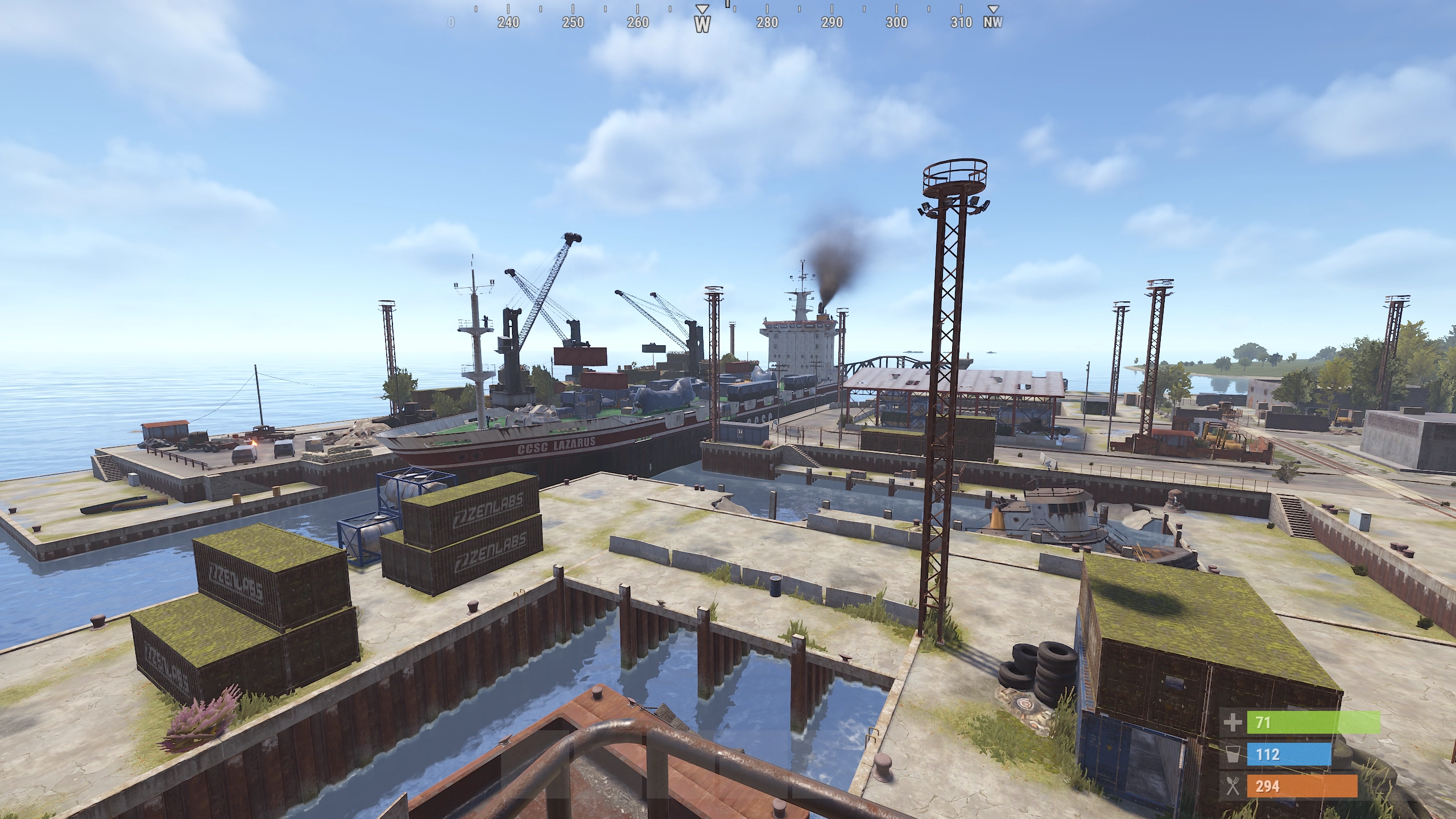
Why is Rust so RAM-hungry?
Rust's defining trait is total persistence. When a player builds a base, drops a chest or places a trap, those entities stay loaded in the server's memory permanently. Even when the player disconnects, their base is still there, lootable and raidable. It is a fundamental game design choice, but it has a technical cost.
At startup, the Rust server process already uses between 4 and 6 GB of RAM on a 3000-size map before a single player connects. That figure then climbs with every new structure, every crafted item, every player who joins. By the end of a wipe, on an active 30-player server, 12 to 15 GB of usage is common.
💬 Good to know: the wipe (server reset) exists precisely to contain this entity build-up. The longer between your wipes, the higher your peak RAM usage. A weekly-wipe server peaks significantly lower than a monthly-wipe one.
What drives a Rust server's RAM usage
Player count
This is the dominant factor. Every connected player generates active entities: their character, inventory, and interactions with the structures around them. But beyond the number of simultaneous players, what really counts is the total number of players who have built on the map: their bases stay loaded even while they are offline.
A server with 5 active players and 5 small bases is nothing like a server with 50 players and dozens of fortified compounds. The latter can easily use three times more RAM.
Map size
Map size (world size) mainly affects the initial generation and the space available to players. A 2000-size map suits small groups. A 4000 to 4500-size map is the standard for community servers. Above 5000, generation uses more resources and the server takes longer to start.
During normal operation, it is the density of structures on the map that weighs the most, not its raw size. A near-empty 6000 map will use less RAM than a 3000 map packed with bases.
Oxide plugins
Oxide (uMod) is the go-to modding framework for Rust. Each plugin adds processing in memory. Lightweight plugins (chat, teleport, basic kits) have a negligible impact. Plugins that keep databases in memory (economy, leaderboards, statistics, clans with complex permissions), on the other hand, can account for 1 to 3 GB on their own.
⚠️ Attention: some poorly optimised Oxide plugins cause memory leaks. The symptom: RAM keeps rising and never drops, even when the server is empty. If you see this behaviour, disable your plugins one by one to find the culprit. Our guide to installing Oxide plugins on Rust covers the best practices.
Wipe progression
This is the most underrated factor. A freshly wiped server uses 4 to 6 GB. The same server after two weeks of activity can easily pass 12 GB. The reason: every structure, every dropped item, every sleeping bag placed adds to the memory load. Decay (natural degradation) offsets this partly, but not enough on active servers.
Golden rule: always size your RAM for the end of the wipe, never for launch day.
Recommended RAM by server profile
Server profile | Players | Recommended RAM | Typical setup |
|---|---|---|---|
Private with friends | 2 to 6 | 8 GB | Vanilla, map 2000-3000, weekly wipe |
Semi-community | 7 to 25 | 12 GB | Oxide + 10-20 plugins, map 3000-4000 |
Active community | 26 to 50 | 16 GB | Oxide + 20-40 plugins, map 4000-4500 |
Public / competitive | 50+ | 24 GB and up | Full stack, map 4500+, anti-cheat, events |
Example allocation on a MyBox 32:

This MineBoard view shows a typical allocation for a community Rust server on a MyBox 32: 16 GB of RAM and 4 dedicated CPU cores for the server. The remaining 16 GB of the box can host a second game server (Minecraft, Palworld, Ark, your choice) or a Discord bot, or be kept as headroom to absorb end-of-wipe peaks. The RAM and CPU sliders are set directly from the panel.
💡 Tip: if you are torn between two tiers, take the higher one. On Rust, undersized RAM does not just cause lag: it triggers full crashes of the server process that can corrupt your world save.
Why 4 GB of RAM is not enough for Rust
The Rust server process uses between 4 and 6 GB of RAM at startup, before a single player connects. With 4 GB allocated, the server literally will not have enough memory to finish initialising. It will crash on startup or refuse to launch map generation.
The absolute minimum to run a Rust server in 2026 is 8 GB, and that configuration is reserved for groups of fewer than 6 players in strict vanilla, with frequent wipes and a small map.
CPU and storage: don't ignore the other resources
The processor (CPU)
Rust is largely single-threaded for its main server logic. Clock speed matters far more than core count. A high-frequency CPU will handle load spikes (raids, explosions, events) better than a many-core CPU running at a low frequency.
Recommendations: 2 dedicated cores for a 10 to 25-player server. 3 to 4 cores for servers of 25 players and up, to absorb the spikes during mass fights and contested airdrops.
Storage (SSD / NVMe)
Rust runs automatic saves every 30 minutes by default (adjustable via server.saveinterval). On an active server with a large map, a save can weigh several hundred MB. On a mechanical drive, this operation causes a micro-freeze that players feel in-game. On NVMe, it is invisible.
📝 Note: MineStrator MyBox plans use NVMe storage exclusively (Gen4 on Standard ranges, Gen5 on Perf ranges), which removes the stutters tied to Rust's automatic saves.
RAM comparison: Rust vs other survival games
Game | Minimum RAM | Recommended (10-20 players) |
|---|---|---|
Rust | 8 GB | 12 to 16 GB |
7 Days to Die | 8 GB | 12 GB |
Valheim | 4 GB | 4 to 8 GB |
Enshrouded | 4 GB | 8 GB |
Minecraft (vanilla) | 2 GB | 4 to 8 GB |
Rust is, alongside 7 Days to Die, the most RAM-hungry survival game on the server side. The main reason: the total persistence of the world and the absence of dynamic loading and unloading of zones.
How to reduce your Rust server's RAM usage
A few concrete levers to keep memory usage under control:
Adjust your wipe frequency: a weekly wipe instead of a monthly one drastically lowers the RAM peak.
Keep decay enabled: natural decay (degradation of unmaintained structures) frees memory over time. Do not turn it off.
Limit map size: a 3000 to 4000 map is enough for most community servers.
Audit your plugins: disable unused plugins and watch usage after each addition.
Watch your entities: in the admin console, the
ent killcommand destroys the entity you are looking at, which lets you clear abandoned structures one by one when they inflate memory.
💡 Tip: run the
server.writecfgconsole command after any configuration change so it persists through the next restart.
Since the Naval Update 2026, Rust has added persistent maritime entities (ships, wrecks, ocean events) that slightly raise the baseline memory load. If your server leans on these mechanics, plan an extra 1 to 2 GB of headroom.
Choosing the right MyBox plan for Rust
Dedicated resources are a prerequisite for Rust. With RAM shared across several servers, stability is impossible to guarantee, especially at the end of a wipe when usage hits its peak. Every MineStrator MyBox comes with dedicated RAM and CPU: your allocation is yours, with no competition from neighbouring servers.
Creating a Rust server from the MineBoard takes a few minutes. You can adjust your resources at any time, with no reinstall and no data loss. Once the server is online, take a minute to customize your Rust server description and header so it stands out on server lists.
Frequently asked questions
How much RAM do you need for a Rust server in 2026?
A vanilla Rust server for 2 to 6 players needs at least 8 GB of RAM. For 7 to 25 players or with Oxide plugins, 12 GB is recommended. Beyond 25 players or for a community server with many plugins, plan for 16 GB minimum. Rust is one of the most RAM-hungry survival games on the server side.
Why does Rust use so much RAM?
Rust permanently loads every structure, dropped item and entity from connected players into the server's memory. Unlike other survival games, player bases do not unload when their owners go offline. The more history and active builds your server has, the more RAM usage grows over time, especially at the end of a wipe.
What is the RAM difference between a vanilla and a modded Rust server?
A vanilla Rust server uses between 6 and 10 GB depending on player count. With basic Oxide plugins (5 to 15 plugins), add 1 to 2 GB. Heavily modded servers with complex economy systems can exceed 16 GB at peak load.
Does map size affect a Rust server's RAM?
Yes, directly. A 2000-size map uses noticeably less RAM than a 6000-size map during initial generation. Once the server is running, however, it is the number of players and active structures that weighs the most in daily usage.
Can you run a Rust server with 4 GB of RAM?
No, 4 GB of RAM is not enough for a Rust server in 2026. The server process alone uses between 4 and 6 GB at startup. The viable minimum is 8 GB, reserved for small groups of 2 to 6 players in strict vanilla.
Conclusion
Rust is one of the most demanding games on the server side when it comes to RAM. The viable minimum is 8 GB for a small group of friends, but most active community servers run between 12 and 16 GB. The key factor is wipe progression: always size for the peak, not for launch.
On MineStrator, you can spin up a Rust server in a few minutes, start with the configuration that fits your group, track usage in the panel, and scale up easily when needed. Want to try it first? Launch a server with the free trial, no credit card required.
To go further, our self-hosting vs renting a game server comparison will help you choose the best approach for your project.