


 MineStrator
Hosting a game server, a Discord bot, or any always-online service always starts with the same dilemma: do you run it at home, or rent a server from a professional host?
Self-hosting sounds tempting because you’re in full control and you avoid a monthly bill. Renting feels safer because you get stable performance, strong networking, and fewer technical headaches. In 2026, the real difference isn’t “free vs paid” though—it’s about reliability, security, and how much time you’re ready to invest.
This honest comparison will help you pick the option that actually fits your project, your players, and your skill level.
Self-hosting vs renting: what it really means
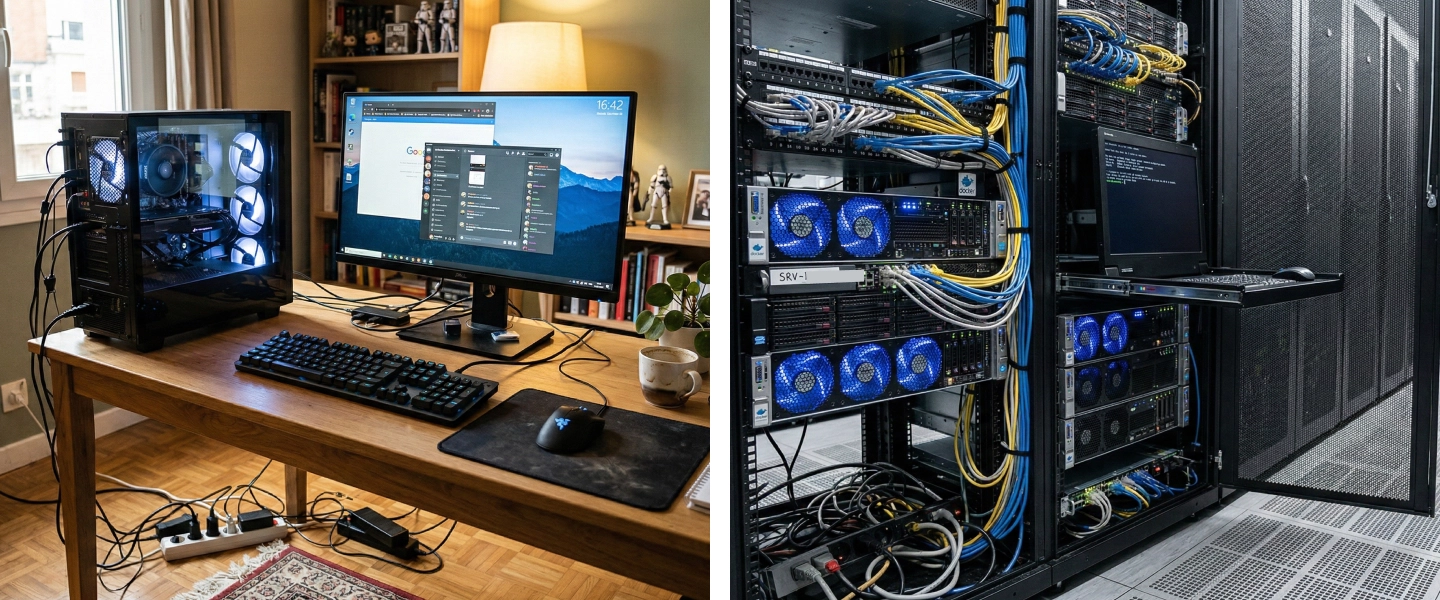
Self-hosting means your server runs on a PC or dedicated machine at home, using your personal internet connection. You manage everything: OS, updates, ports, backups, and troubleshooting when things break at 2 AM.
Renting a server means a hosting provider runs the hardware in a datacenter and gives you access through a management panel. You still control your game settings, mods, and community, but the infrastructure side is handled for you.
💬 Good to know: Self-hosting isn’t always “an old PC under the desk”. Some enthusiasts build serious home labs (rack servers, UPS). Most home projects still rely on consumer hardware, which changes the reliability story a lot.
Real cost: not just the price tag
“Hosting at home is free” is only true if you don’t count electricity, wear and tear, and the value of your time. Renting is a monthly cost, but it’s predictable and includes a lot of hidden essentials.
Self-hosting: the hidden costs
Even if you already own a PC and internet, costs add up quickly when your machine runs 24/7:
Electricity: a PC running nonstop can draw 100–300W, often meaning €100–€400/year depending on hardware and energy prices.
Hardware wear: disks, PSUs, and fans don’t love permanent load, and replacements aren’t free.
Internet sharing: your server competes with your own usage (streaming, downloads, remote work).
Your time: updates, crashes, network issues, backups—every problem is your problem.
Renting: a predictable monthly budget
With a host, the monthly price typically includes hardware, electricity, bandwidth, maintenance, and support. No surprise power bill, no emergency hardware shopping, and you can usually scale resources without rebuilding your setup.
💡 Tip: Not sure how to size your server? Use our guide on how much RAM you need for a Minecraft server in 2026 to avoid overpaying or underpowering.
Performance and network quality
CPU and RAM matter, but for multiplayer hosting, your network is often the real boss fight. A server can be “strong” and still feel laggy if the connection can’t keep up.
Home upload: the classic bottleneck
Home internet often looks great on download, but multiplayer servers mainly rely on upload. In France, many fiber plans offer roughly 400–700 Mbps upload, 5G often struggles to sustain 100 Mbps, and ADSL/VDSL can drop to 1–5 Mbps.
A game server must send updates to every connected player at the same time. On Minecraft, chunks, entity updates, and interactions can quickly punish limited upload, resulting in rubber-banding and delayed actions.
Datacenter networking: built for multiplayer
Professional hosts run on symmetric connections (equal upload/download), often 1 Gbps or even 10 Gbps, with optimized routing and redundancy. The difference becomes obvious as soon as you go beyond a handful of players or you host modded content.
Criteria | Self-hosting | Hosting provider |
|---|---|---|
Bandwidth (upload) | ⚠️ Limited (depends on ISP) | ✅ Symmetric gigabit |
Network latency | ⚠️ Variable | ✅ Optimized |
CPU/RAM resources | ✅ Dedicated (your machine) | ✅ Dedicated or managed |
SSD/NVMe storage | ⚠️ Depends on your build | ✅ NVMe as standard |
Uptime: can your server stay online?
If your server is meant for a community, uptime is not a luxury. It’s the difference between “a fun place to play” and “a server that’s always down when people are free”.
At home: real-life problems hit hard
Self-hosting means your server depends on your home environment, and these things will happen sooner or later:
Power outages: storms, breakers, local grid issues—without a UPS, shutdowns are brutal.
ISP router reboots and IP changes: updates at night, random restarts, dynamic IP headaches.
No one to fix it: you’re away, the server crashes, and players just… leave.
Heat and noise: summer temps can cause throttling or shutdowns, plus fans won’t stay quiet.
In a datacenter: designed to never stop
Datacenters use UPS systems, backup generators, redundant cooling, and 24/7 monitoring. The goal is typically 99.9% uptime (or more), so your server stays online even when the weather is trying to speedrun chaos.
🚨 Important: A sudden shutdown can corrupt your world data. Automated backups offered by hosts drastically reduce the risk of losing everything.
Security and DDoS: the big red flag
If you’re hosting for the public (or even semi-public), security becomes the most critical argument against self-hosting. It’s not paranoia—it’s just how the internet works.
Self-hosting exposes your personal IP
When you host at home, players connect to your home IP address. If a malicious player gets mad, they can target your connection, not just your server:
DDoS attack: your entire internet can become unusable, including work and streaming.
Network probing: your home network becomes a more attractive target.
Real-life impact: it’s not “server down”, it’s “everything down”.
Professional hosting includes network protection
Gaming hosts typically include anti-DDoS protection at the network level, filtering attacks before they reach your machine. Your personal IP stays private, and your players keep playing. For a deeper dive, check our guide on protecting your Minecraft server from DDoS attacks in 2026.
⚠️ Warning: Using a VPN or reverse proxy can help, but effective DDoS protection for self-hosting is complex and often expensive. For most players, it’s not a realistic long-term solution.
Daily management: time to play or time to sysadmin?
Be honest with yourself: do you want to run a server, or do you want to run a server business (updates, monitoring, backups, incidents)? Both are valid, but they’re not the same hobby.
Self-hosting: great for tinkerers
Running a server at home usually means dealing with technical tasks like:
Installing and securing an operating system (often Linux)
Managing ports, firewall rules, and NAT on your router
Updating the game server manually
Setting up reliable backups
Monitoring CPU, RAM, and disk usage
Managing mods/plugins via CLI and FTP
It’s a fantastic learning experience, but it demands consistency and time—especially when your player count grows.
Hosting provider: a panel that does the heavy lifting
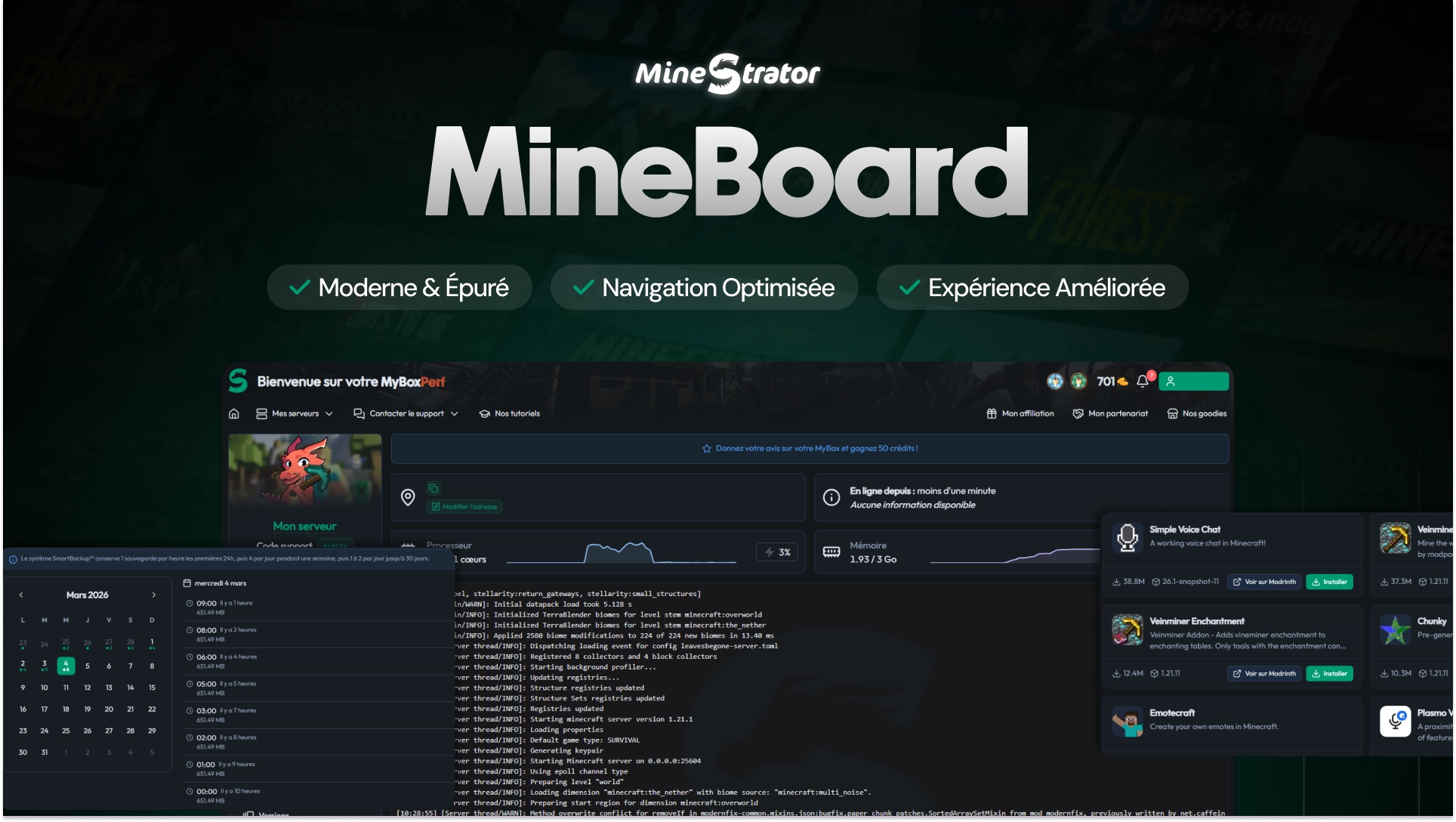
A host like MineStrator provides a web panel for one-click installs, mod/plugin management, automated backups, an integrated console, and domain/subdomain tools. You focus on gameplay, events, and community vibes, while the infrastructure stays stable.
Criteria | Self-hosting | Hosting provider |
|---|---|---|
Server installation | ⚠️ Manual (CLI) | ✅ One-click |
Updates | ⚠️ Manual | ✅ Automated |
Backups | ❌ You must set them up | ✅ Automated |
Plugin management | ⚠️ FTP + CLI | ✅ GUI tools |
Monitoring | ⚠️ Tools to install | ✅ Built-in |
Technical support | ❌ You’re on your own | ✅ Support team |
Scaling up: how fast can you grow?
Most servers start small, then suddenly you add mods, plugins, a map expansion, or a bigger community. Scaling is where self-hosting often becomes a money-and-time trap.
Scaling at home: upgrades are real work
Need more RAM or a stronger CPU? At home, that usually means buying parts, installing them, migrating data, and hoping nothing breaks. Want a second server or a different game? That’s another setup to maintain and secure.
Scaling with a host: a few clicks
With a hosting provider, upgrading resources is typically instant. You can switch game templates, test new setups, and adapt to player demand without investing in new hardware.
Which option should you choose?
Both options make sense, depending on your goals. Here’s the simplest way to decide without overthinking it.
Self-hosting is a good fit if
You play with a few friends, occasionally
You want to learn server administration
You already have solid hardware and good fiber
24/7 uptime isn’t important
You’re comfortable with Linux and CLI
Renting is a good fit if
You have a community (often 10+ regulars)
You want 24/7 access with stable performance
DDoS protection and security matter
You prefer focusing on gameplay and community
You want a predictable monthly budget
If you’re still exploring “cheap or free” options before committing, you can also read how much RAM a Minecraft server needs in 2026.
Questions fréquentes
Is self-hosting “free” in 2026?
Not really. You avoid a subscription, but you pay in electricity, hardware wear, and time. For a 24/7 server, those costs can rival (or exceed) an entry-level hosting plan.
Can I self-host safely with a VPN or proxy?
You can reduce exposure, but real anti-DDoS protection is hard to replicate at home. For public servers, a professional network-level filter is usually the safer option.
When does renting become the better choice?
As soon as you need stable uptime, strong upload, and protection for a community. In practice, that’s often when you hit 10+ regular players or you start running modpacks.
What if I just want to test before paying?
The easiest approach is to compare both setups with the same game version and player count. A short test session is often enough to feel the difference in latency and stability.
Conclusion
Self-hosting is fun and educational, perfect for relaxed sessions with friends and small private projects. But if you want stable performance, strong security, and a server that stays online for a real community, renting from a specialized host is usually the smarter move.
Want to see the difference in real conditions? Try a Minecraft server free for 12 hours, no credit card required, and compare it to your home setup in a few minutes of gameplay.